

If a user hits a usage limit you granted them, they may be willing to purchase a top-up. These are typically one-time purchases (or less commonly, recurring add-ons) that grant a fixed usage of a feature. This gives users full spend control and allows your business to be paid upfront. For these reasons, it tends to be a more popular alternative to usage-based pricing — eg, OpenAI uses this model for their API.

Example case

In this example, we have an AI chatbot that offers:
  • 10 premium messages for free
  • An option for customers to top-up premium messages in packages of $10 per 100 messages.

Configure Pricing

1

Create Features

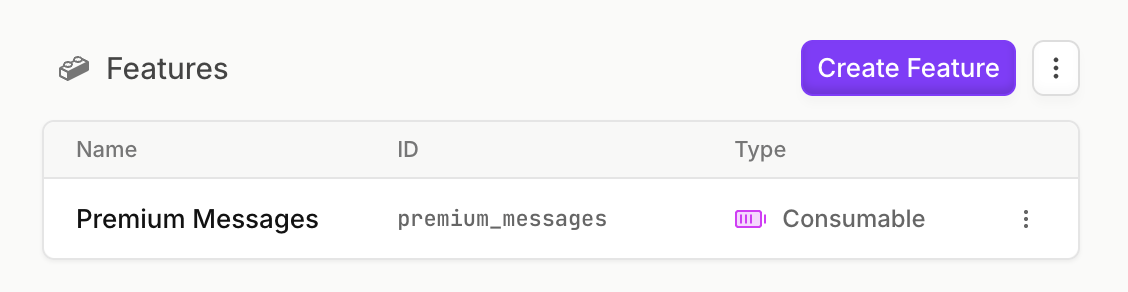
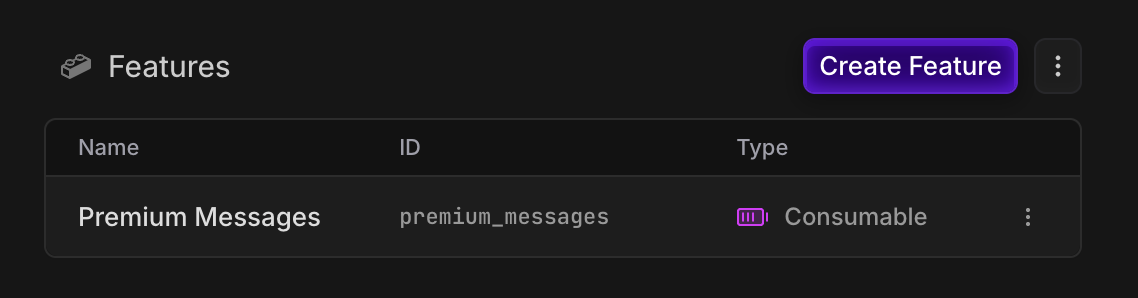
Create a metered consumable feature for our premium messages, so we can track its balance.
2

Create Free and Top-up Plans

Create our free plan, and assign 10 premium messages to it. These are “one-off” credits, that will not reset periodically.
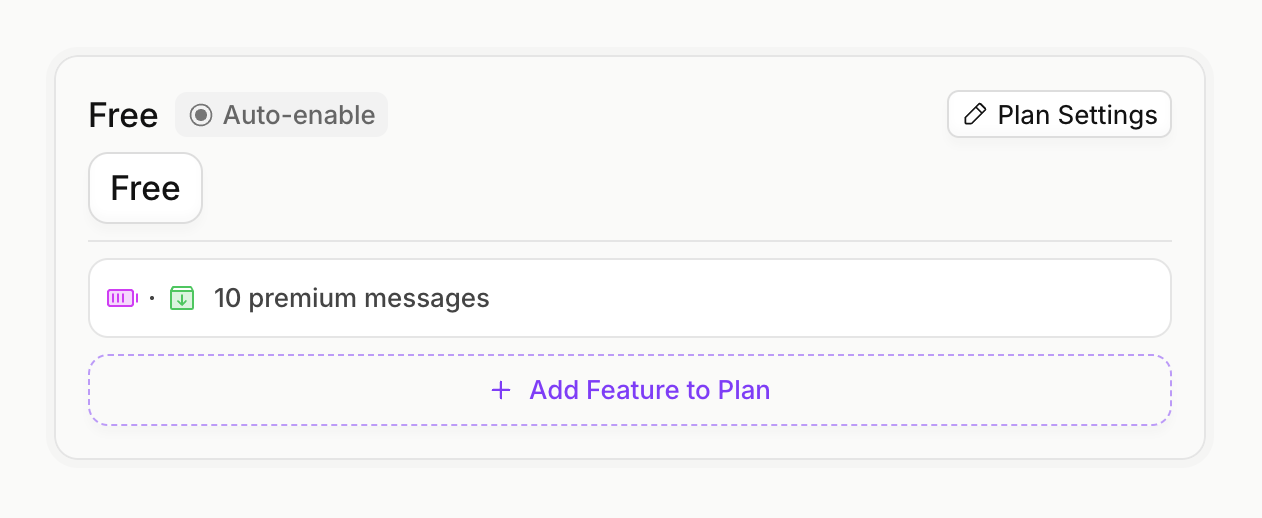
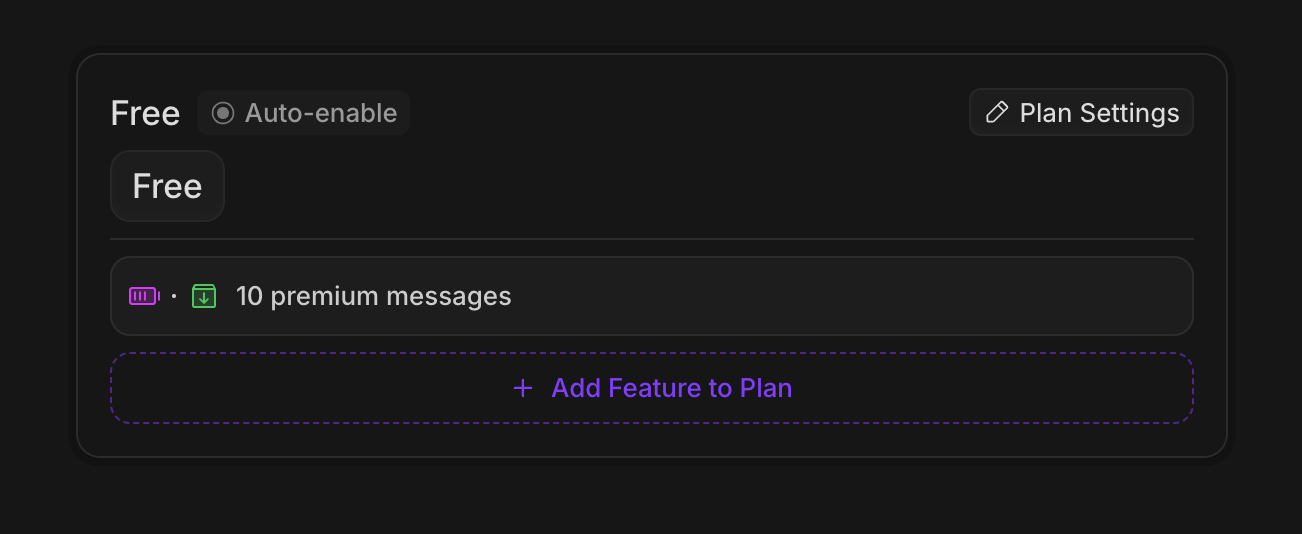
Make sure to set the auto-enable flag on the free plan, so that it is automatically assigned to new customers.
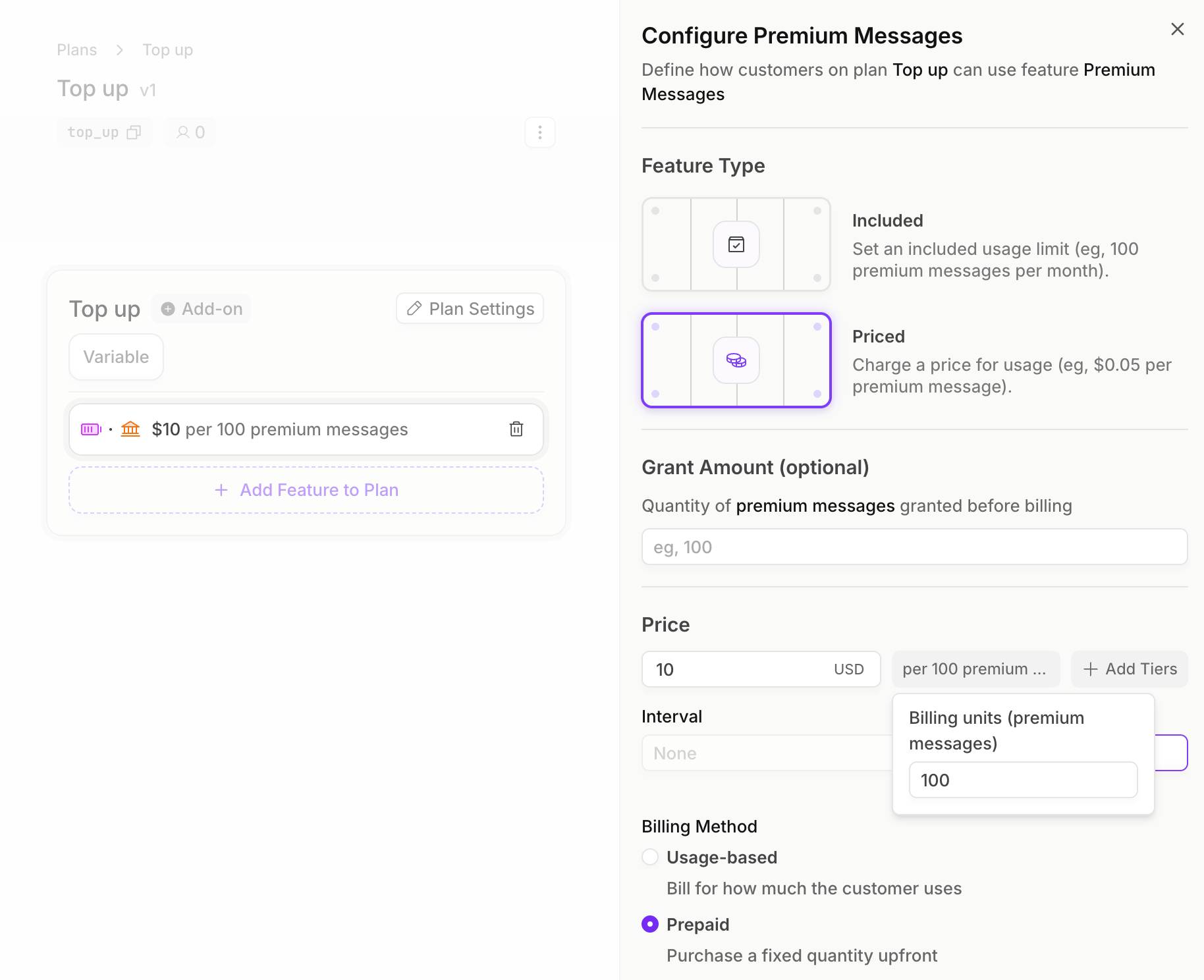
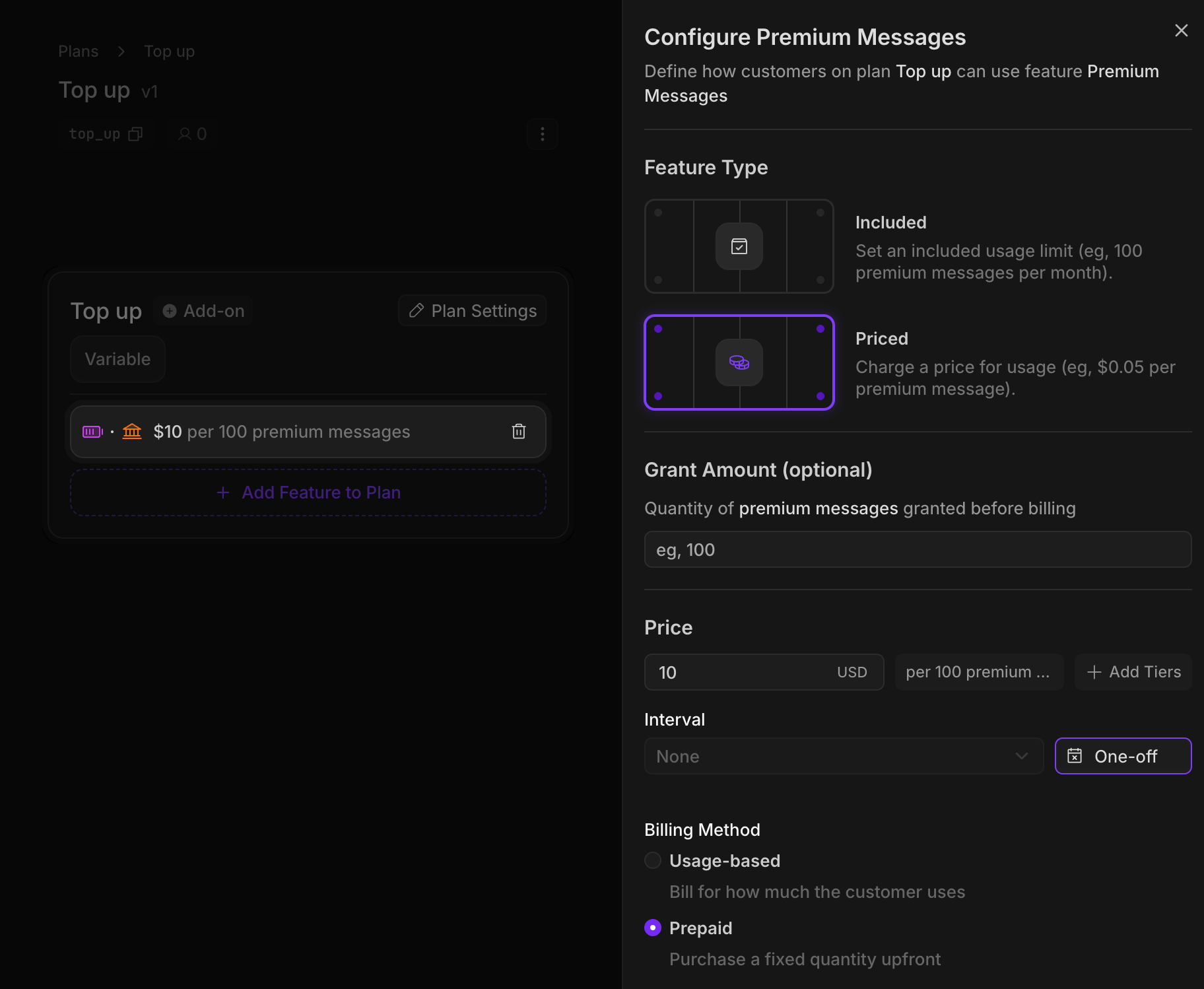
Now we’ll create our top-up plan. We’ll add a price to our premium messages feature, at $10 per 100 messages. These are “one-off” purchases, with a prepaid billing method.prepaid features require a quantity to be sent in when a customer attaches this product, so the customer can specify how many premium messages they want to top up with.
Implementation

1

Create an Autumn Customer

When your user signs up, create an Autumn customer. This will automatically assign them the Free plan, and grant them 10 premium messages.
import { useCustomer } from "autumn-js/react";

const App = () => {
  const { data: customer } = useCustomer();

  console.log("Autumn customer:", customer);

  return <h1>Welcome, {customer?.name || "user"}!</h1>;
};
2

Checking for access

Every time our user wants to send a premium message, we’ll first check if they have enough premium messages remaining.
import { useCustomer } from "autumn-js/react";

export function CheckPremiumMessage() {
  const { check, refetch } = useCustomer();

  const handleCheckAccess = async () => {
    const { allowed } = check({ featureId: "premium_messages" });

    if (!allowed) {
      alert("You've run out of premium messages");
    } else {
      // proceed with sending message
      await refetch();
    }
  };
}
3

Tracking premium messages

Now let’s implement our usage tracking and use up our premium messages. In this example, we’re using 5 premium messages.
import { Autumn } from "autumn-js";

const autumn = new Autumn({ secretKey: "am_sk_test_1234" });

await autumn.customers.track({
  customerId: "user_123",
  featureId: "premium_messages",
  value: 5,
});
4

Purchasing top-ups

When users run out of premium messages, they can purchase additional messages using our top-up plan. In this example, the user is purchasing 200 premium messages, which will cost them $20.
import { useCustomer } from "autumn-js/react";

export default function TopUpButton() {
  const { attach } = useCustomer();

  return (
    <button
      onClick={() => attach({
        planId: "top_up",
        featureQuantities: [{
          featureId: "premium_messages",
          quantity: 200,
        }],
      })}
    >
      Buy More Messages
    </button>
  );
}
Once the customer completes the payment, they will have an additional 200 premium messages available to use. You can display this to the user by getting balances from the customer endpoint.