
When you have multiple features that cost different amounts, you can use a credit system to deduct usage from a single balance. This can be great to simplify billing and usage tracking, especially when you have lots of features.

Example case

We have a AI chatbot product with 2 different models, and each model costs a different amount to use.
  • Basic message: $1 per 100 messages
  • Premium message: $10 per 100 messages
And we have the following plans:
  • Free tier: $5 credits per month for free
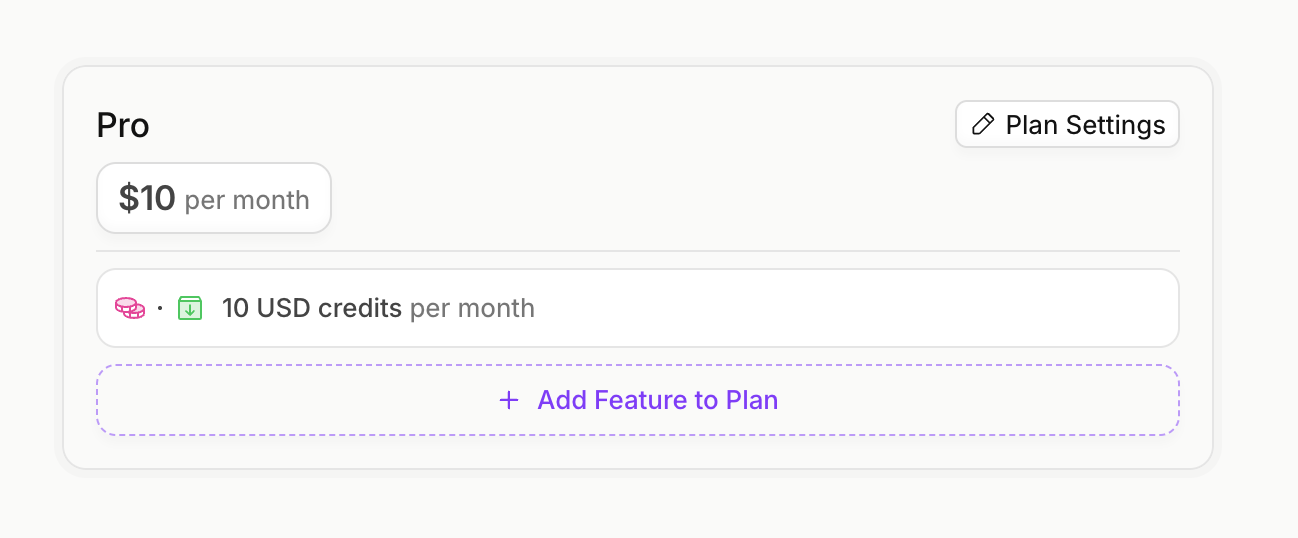
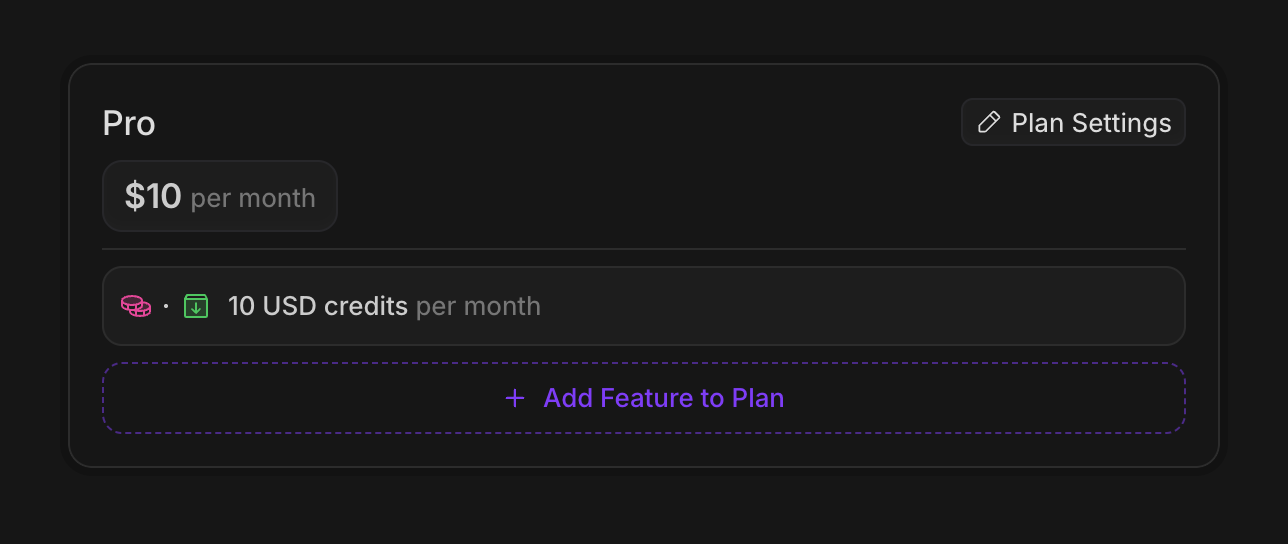
  • Pro tier: $10 credits per month, at $10 per month
Users should also be able to top up their balance with more credits.

Configure Pricing

1

Create Features

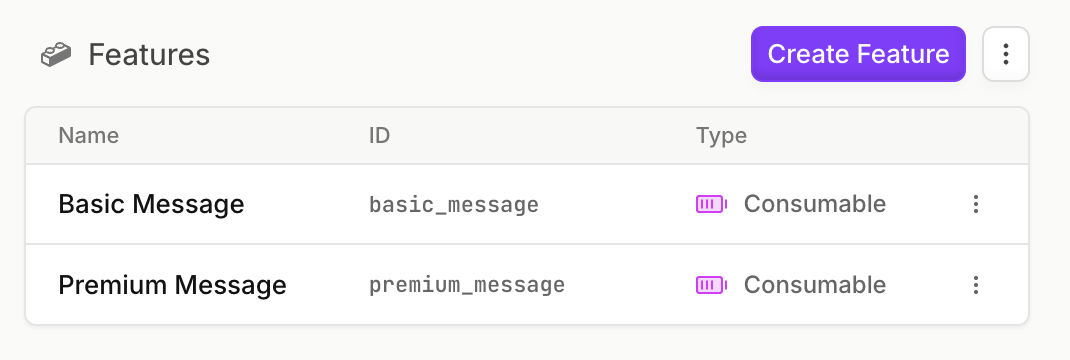
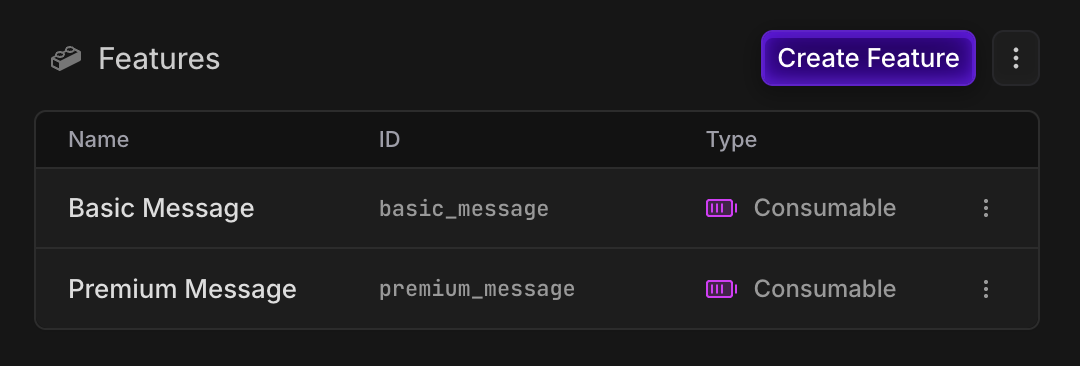
Create a metered consumable feature for each message type, so that we can track the usage of each:
2

Create Credit System

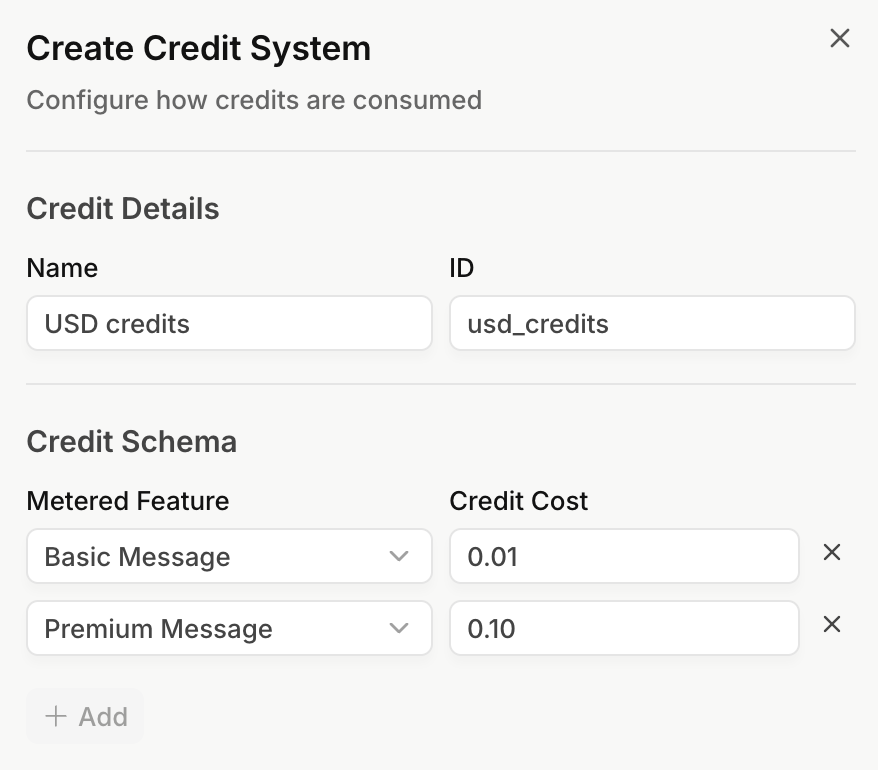
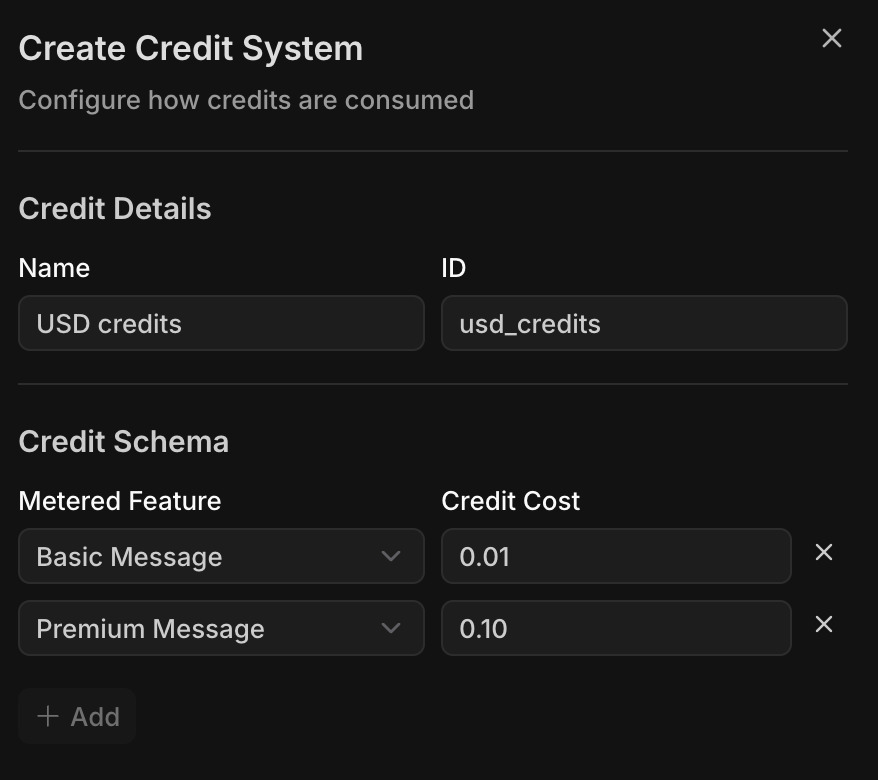
Now, we’ll create a credit system, where we’ll define the cost of each message type. We’ll define the cost per message in USD:
FeatureCost per message (USD)Credit cost per message (USD)
Basic message$1 per 100 messages0.01
Premium message$10 per 100 messages0.10
3

Create Free, Pro and Top-up Plans

Let’s create our free and pro plans, and add the credits amounts to each.
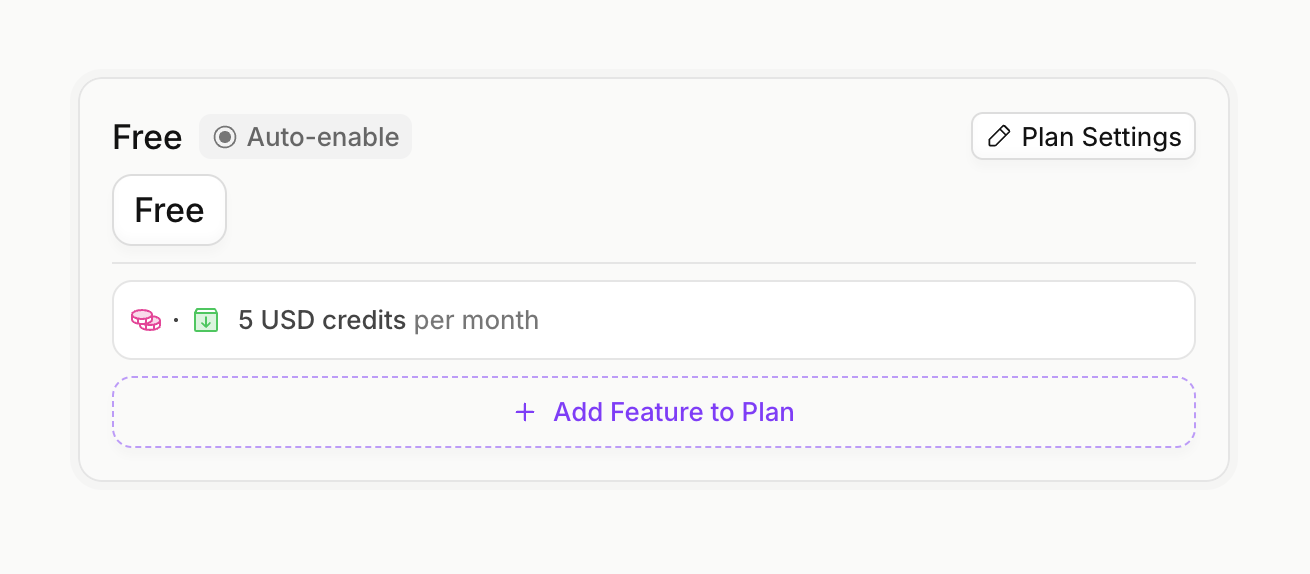
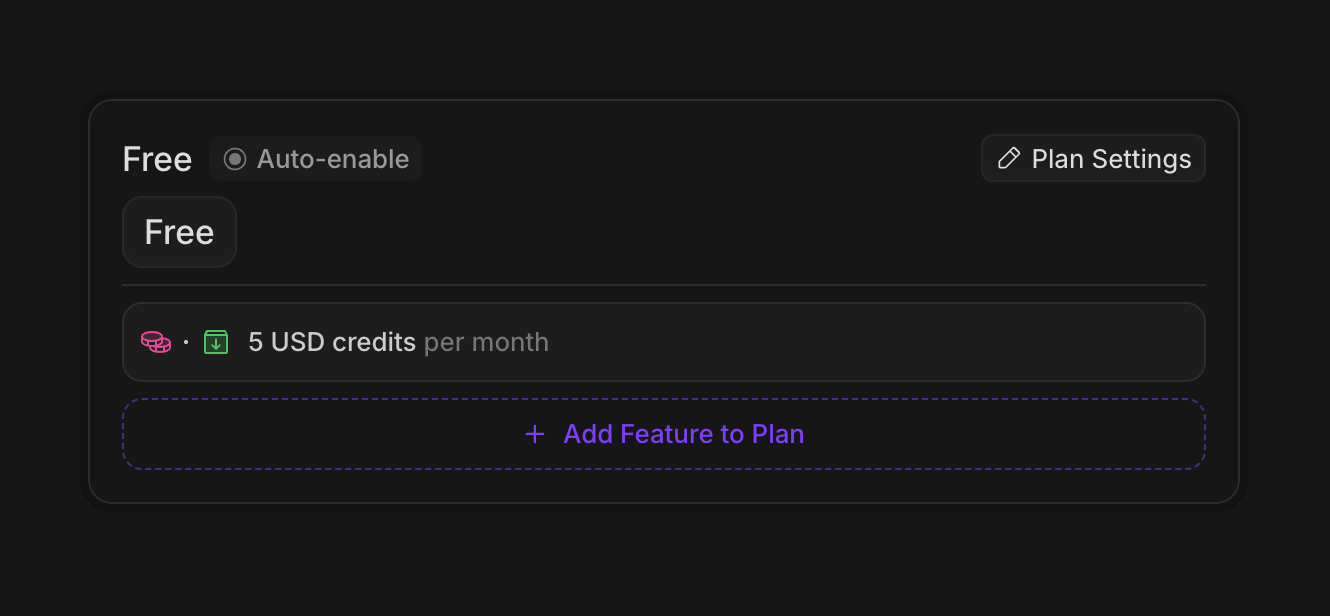
Make sure to set the auto-enable flag on the free plan, so that it is automatically assigned to new customers.

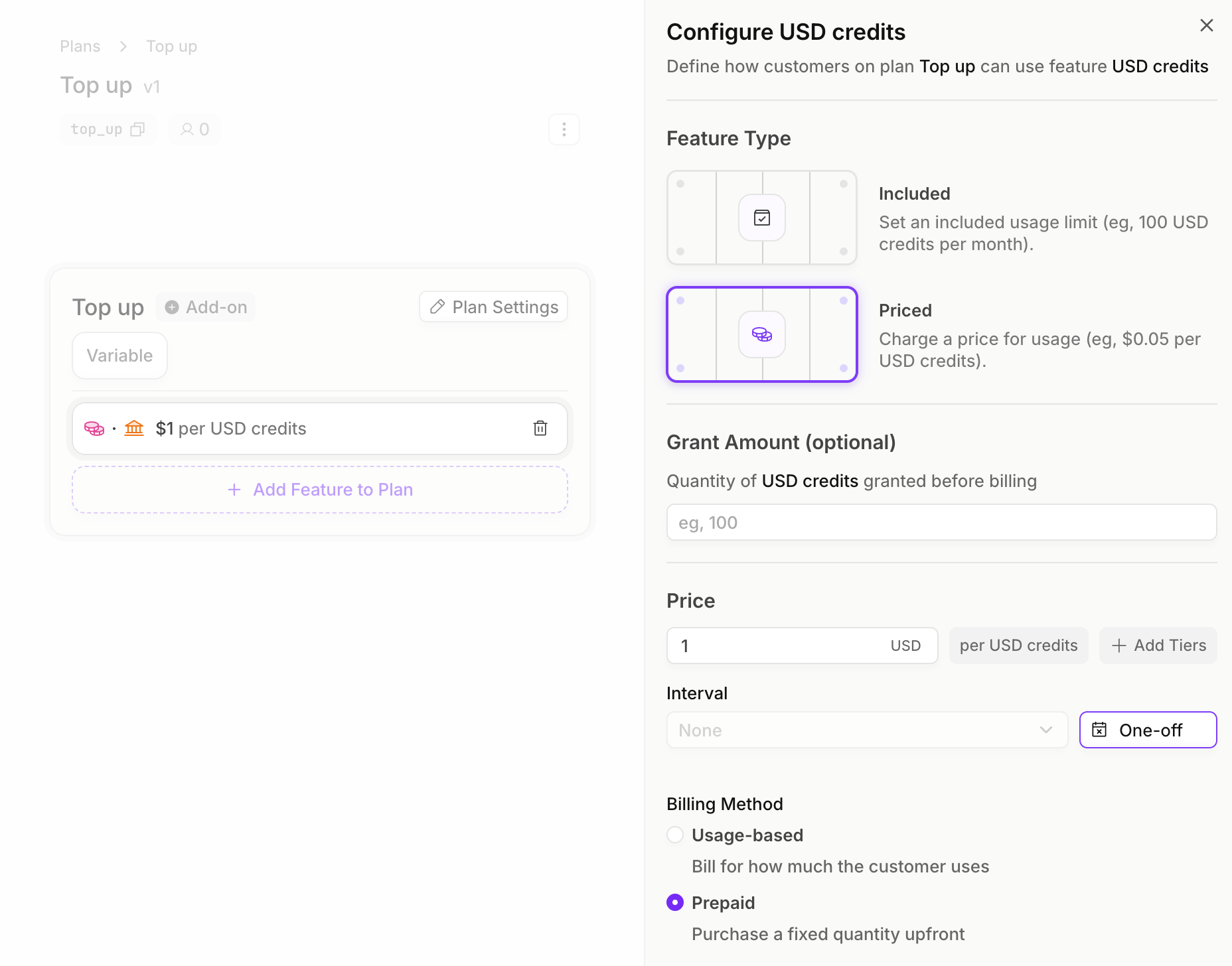
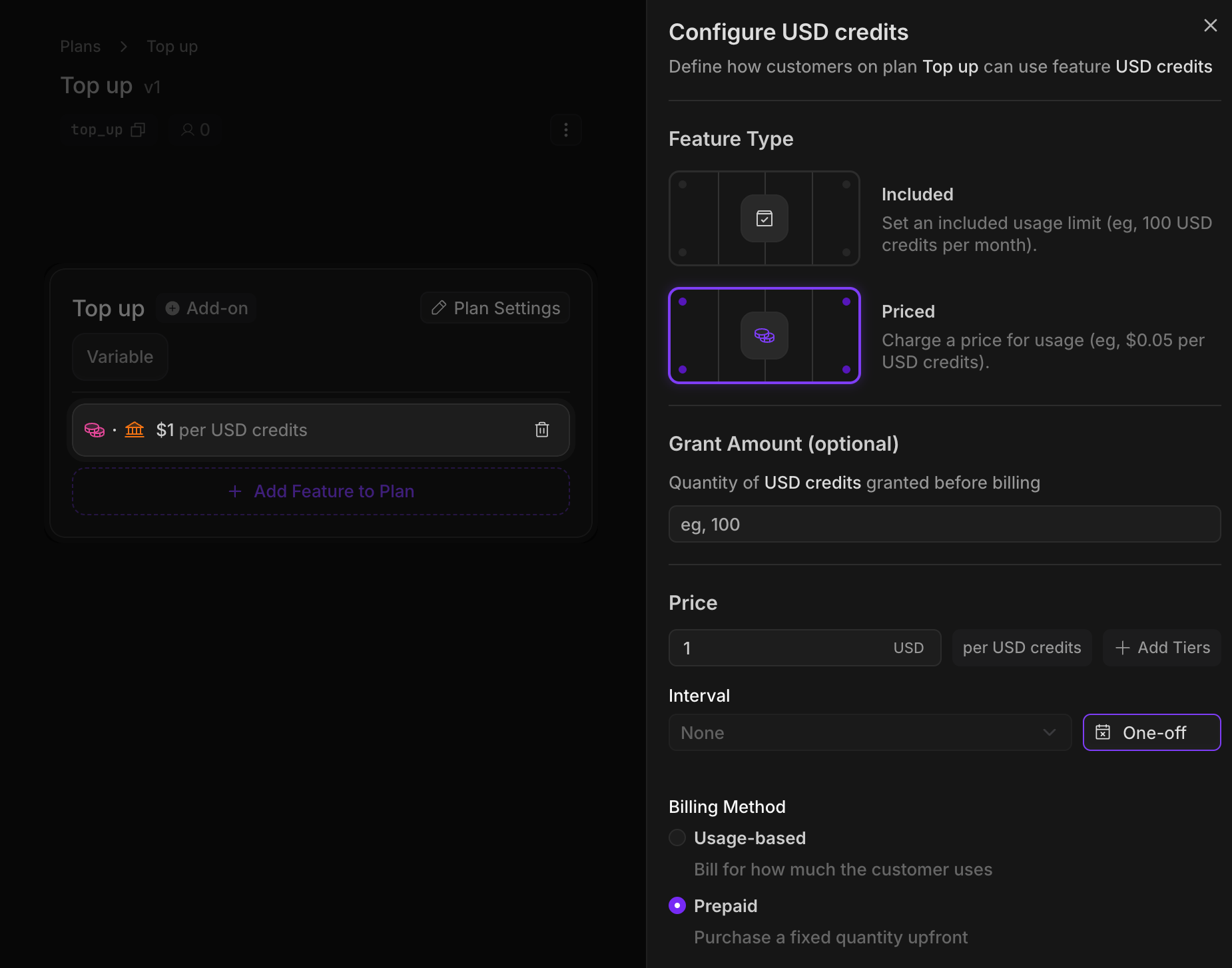
Then, we’ll create our top-up plan. We’ll add a price to our credit feature, where each credit is worth $1. These top up credits will be one-off prepaid purchases that never expire.
Implementation

1

Create an Autumn Customer

When your user signs up, create an Autumn customer. This will automatically assign them the Free plan, and grant them $5 credits per month.
import { useCustomer } from "autumn-js/react";

const App = () => {
  const { data: customer } = useCustomer();

  console.log("Autumn customer:", customer);

  return <h1>Welcome, {customer?.name || "user"}!</h1>;
};
2

Checking for access

Every time our user sends a message to the chatbot, we’ll first check if they have enough credits remaining to send the message.The requiredBalance parameter will convert the number of messages to credits. Eg, if you pass requiredBalance: 5 for basic messages, then check will return allowed: true if the user has at least 0.05 USD credits remaining.
Note how we’re interacting with the underlying features (basic_messages, premium_messages) here—not the credit system.
import { useCustomer } from "autumn-js/react";

export function CheckBasicMessage() {
  const { check, refetch } = useCustomer();

  const handleCheckAccess = async () => {
    const { allowed } = check({ 
      featureId: "basic_messages", 
      requiredBalance: 1 
    });

    if (!allowed) {
      alert("You've run out of basic message credits");
    } else {
      // proceed with sending message
      await refetch();
    }
  };
}
3

Tracking messages and using credits

Now let’s implement our usage tracking and use up our credits. In this example, we’re using 2 basic messages, which will cost us 0.02 USD credits.
import { Autumn } from "autumn-js";

const autumn = new Autumn({ secretKey: "am_sk_test_1234" });

await autumn.customers.track({
  customerId: "user_123",
  featureId: "basic_messages",
  value: 2,
});
4

Upgrading to Pro

We can prompt the user to upgrade. When they click our “upgrade” button, we can use the billing.attach route to get a checkout URL for them to make a payment.
import { useCustomer } from "autumn-js/react";

export default function UpgradeButton() {
  const { attach } = useCustomer();

  return (
    <button onClick={() => attach({ planId: "pro" })}>
      Upgrade to Pro
    </button>
  );
}
5

Purchasing Top-ups

When users run low on credits, they can purchase additional credits using our top-up plan. In this example, the user is purchasing 20 USD credits, which will cost them $20.
import { useCustomer } from "autumn-js/react";

export default function TopUpButton() {
  const { attach } = useCustomer();

  return (
    <button
      onClick={() => attach({
        planId: "top_up",
        featureQuantities: [{
          featureId: "usd_credits",
          quantity: 20,
        }],
      })}
    >
      Buy More Credits
    </button>
  );
}